


Android App Development: A Complete Guide to Building and Launching Native Android Apps
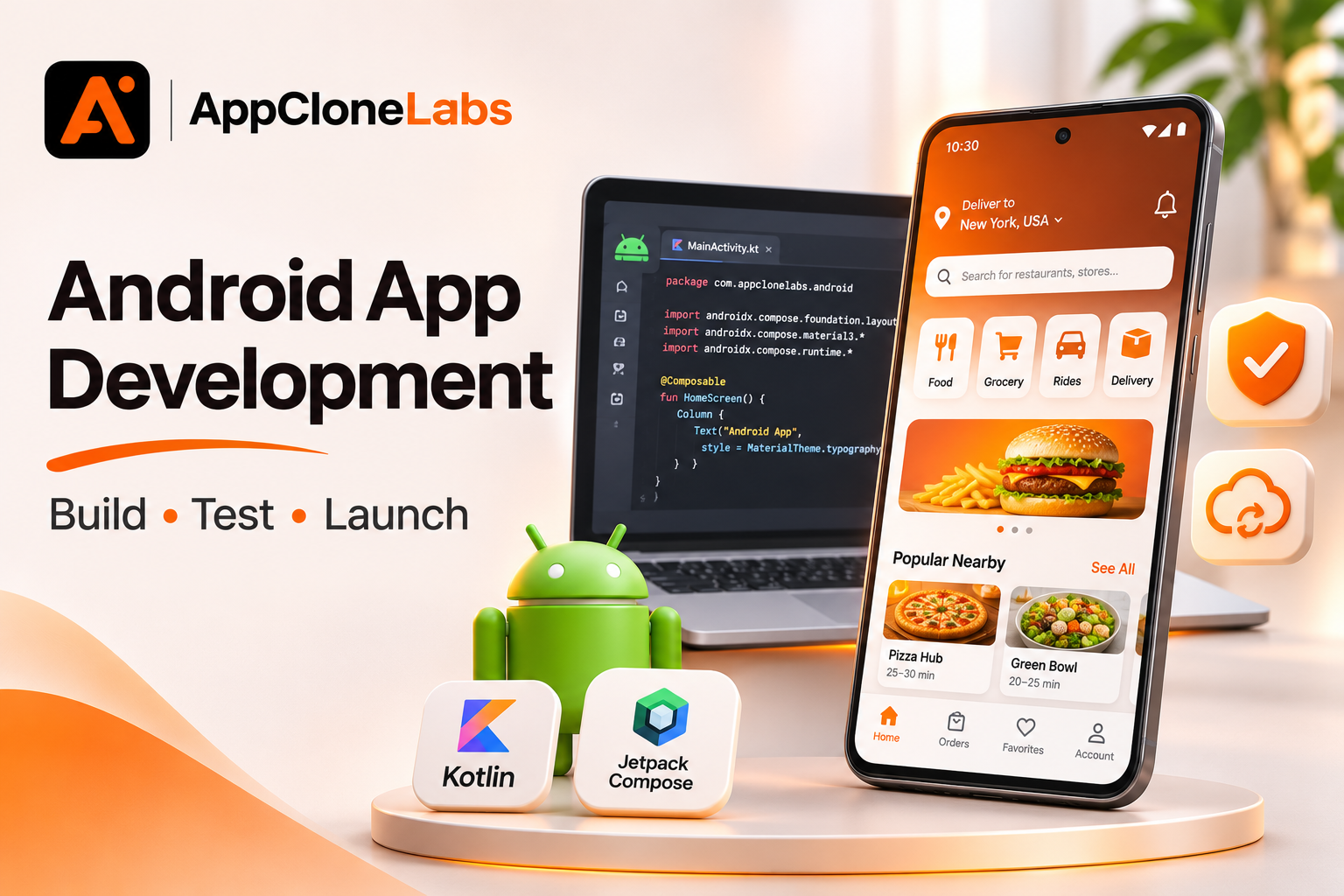
Android applications support a wide range of digital experiences, from food delivery and online shopping to transportation, entertainment, and enterprise operations.
For businesses planning an Android-first product, successful Android app development requires more than attractive screens and functioning features.
Developers must consider device compatibility, application architecture, offline behavior, background processing, testing, and Google Play publishing.
Native Android development using Kotlin and Jetpack Compose provides a practical approach when businesses need extensive Android functionality and platform-specific control.
This guide explains the development process, important technologies, common challenges, and steps involved in launching a production-ready Android application.
What Is Android App Development?
Android app development involves designing, coding, testing, publishing, and maintaining applications for devices running the Android operating system.
Applications can support smartphones, tablets, and specialized Android devices depending on product requirements.
Modern native Android development commonly uses Kotlin alongside Android Jetpack libraries.
A complete application may include:
-
User-facing screens and navigation
-
Backend APIs and databases
-
User authentication
-
Offline data storage
-
Push notifications
-
Background processing
-
Analytics and crash monitoring
-
Google Play release management
Each component contributes to the application's functionality and reliability.
Why Choose Native Android App Development?
Native Android development is particularly useful when an application depends heavily on Android-specific capabilities.
Direct Access to Android Features
Native applications can integrate with device services such as Bluetooth, NFC, background location, home-screen widgets, and foreground services.
This gives developers direct access to supported Android APIs.
Platform-Specific User Experience
Native development enables teams to follow Android interface conventions, accessibility requirements, and device behavior.
These details can make applications easier to use across different Android devices.
Independent Android Releases
Businesses with separate iOS and Android teams may prefer native applications that can be developed and released independently.
However, native Android development requires a separate implementation for iOS.
When both platforms need nearly identical functionality, cross-platform development may be worth considering.
Important Technologies Used in Android Development
Building a modern Android application involves several connected technologies.
Kotlin Programming Language
Kotlin is widely used for native Android development.
Its language features support concise application code, null safety, and structured asynchronous programming.
Kotlin also integrates with existing Java code, making it useful when maintaining established applications.
Jetpack Compose
Jetpack Compose is Google's modern declarative UI toolkit for Android.
Instead of manually updating many interface elements, developers describe interfaces through composable functions.
Compose can simplify the development of reusable screens and consistent user experiences.
Android Studio
Android Studio provides development tools for writing, debugging, profiling, testing, and building Android applications.
Developers can use emulators alongside physical devices to evaluate application behavior.
Room Database
Room provides an abstraction over SQLite for structured local data storage.
It can support applications that need to retain information when internet connectivity becomes unavailable.
WorkManager
WorkManager helps schedule suitable background tasks that should run reliably under Android's execution constraints.
Common examples include deferred synchronization and certain upload operations.
Essential Features of a Production-Ready Android App
A successful Android application needs more than its primary business functionality.
Secure Authentication
Registration, sign-in, session management, and account recovery should be designed around appropriate security requirements.
Offline-Aware Functionality
Users may experience unstable mobile networks or temporary connection loss.
Applications should communicate when information is unavailable, cached, or awaiting synchronization.
Push Notifications
Notifications can provide updates about orders, appointments, transactions, and other relevant activities.
The application should respect user permissions and notification preferences.
Backend Integration
Reliable APIs connect the mobile application to accounts, payments, content, and operational systems.
Performance Monitoring
Crash reporting and Android vitals help teams identify stability and performance problems.
Monitoring should begin before production launch rather than after widespread complaints.
Step-by-Step Android App Development Process
A structured delivery approach makes technical decisions easier to review and reduces late-stage surprises.
Step 1: Understand the Target Audience
Identify the intended users, launch markets, Android versions, and device capabilities.
A business targeting budget smartphones may require different performance priorities from one building applications for newer enterprise devices.
Step 2: Define Device Compatibility
Agree on supported Android versions, screen sizes, languages, and physical test devices.
The minimum SDK level should reflect actual audience requirements.
Supporting older Android versions may introduce additional testing and compatibility work.
Step 3: Establish Application Architecture
Define how interface components, business logic, local storage, and backend APIs interact.
A modular project structure can help teams maintain complex applications.
Developers should also establish dependency-management and testing conventions.
Step 4: Develop a Working Feature
Before expanding into multiple features, implement a complete workflow.
For example, connect an API request to local data storage and display the result through a Compose screen.
This verifies that important architectural components work together.
Step 5: Build and Test Features
Develop approved functionality and test critical journeys continuously.
Internal Google Play testing tracks can help stakeholders install realistic builds.
Step 6: Prepare the Production Release
Configure application signing, store information, privacy declarations, and release artifacts.
Test the final build before submitting it for production distribution.
Step 7: Monitor the Rollout
Begin with an appropriate staged rollout and monitor crash rates, application responsiveness, and user feedback.
Increase availability only when the release performs acceptably.
Why Offline Synchronization Matters
Offline behavior is especially important for delivery, field-service, travel, and operational applications.
A user may start an action while connected and lose access before the request completes.
Without appropriate recovery, the application may display incorrect information or repeat a transaction.
An offline-aware architecture can use Room for local persistence and a repository layer to coordinate data access.
Kotlin Flow can expose changing data to application components.
WorkManager may schedule suitable synchronization tasks.
Developers must also define conflict handling, retries, and how the application communicates pending updates.
Offline support should be tested through realistic connection interruptions.
Android App Performance Optimization
Android devices vary considerably in hardware capabilities and operating-system behavior.
An application that performs well on a flagship device may struggle on a low-memory smartphone.
Important performance considerations include:
-
Application startup duration
-
Memory consumption
-
Screen rendering
-
Large image loading
-
Background task behavior
-
Network request efficiency
-
Application Not Responding events
Testing should include physical devices representing the intended audience.
Developers should establish performance baselines before introducing major optimizations.
Google Play Publishing Requirements
Publishing an Android application requires more than uploading a build file.
Businesses need an appropriate Google Play developer account and correctly configured application signing.
Release preparation commonly includes store screenshots, descriptions, privacy disclosures, and applicable Data safety information.
Google Play also maintains target API level requirements that can change over time.
Developers should verify current requirements during release planning.
A controlled publishing process helps prevent signing, compatibility, and policy problems from delaying a launch.
How Much Does Android App Development Cost?
Android development costs depend on the product's scope, integrations, technical complexity, and maintenance requirements.
Important cost factors include:
-
Number of user roles and workflows
-
Backend and API development
-
Offline synchronization
-
Specialized device integrations
-
Interface complexity
-
Supported Android devices
-
Security requirements
-
Testing and release management
-
Post-launch support
A relatively simple application generally requires less engineering than a real-time delivery platform or an application involving complex background operations.
Businesses should establish budgets through a documented scope and technical review rather than assume one fixed development price.
Common Android Development Mistakes
One common mistake is selecting the minimum SDK level without researching the intended users.
Another is relying exclusively on emulator testing.
Android device manufacturers may implement different battery-management behavior, and some problems appear only on physical devices.
Teams should also avoid treating background work as guaranteed immediate execution.
Android places restrictions on background activities, making task classification important.
Finally, businesses should not overlook ownership of signing credentials, repositories, and release documentation.
These assets affect whether another team can maintain the application after delivery.
Why Choose AppCloneLabs for Android App Development?
AppCloneLabs provides native Android app development services using Kotlin and Jetpack Compose.
Its service approach covers device planning, application architecture, offline-aware data systems, testing, Google Play releases, and technical handover.
The published delivery scope includes modular Gradle projects, Room-based persistence, Kotlin Flow, WorkManager synchronization, CI pipelines, and crash-monitoring baselines.
AppCloneLabs also emphasizes publishing through the client's Google Play developer account and documenting the repository, release pipeline, and signing setup.
These responsibilities help businesses plan for long-term application maintenance.
Explore AppCloneLabs Android App Development Services to understand its approach to native Android engineering and release preparation.
Final Thoughts
Successful Android app development requires careful coordination between product requirements, software architecture, user experience, and operational readiness.
Kotlin and Jetpack Compose offer a modern foundation for native Android applications, while Room, WorkManager, testing tools, and Google Play release workflows support dependable delivery.
Businesses should prioritize appropriate device coverage, reliable offline behavior, measurable performance, and documented ownership.
With these foundations in place, an Android application can evolve beyond its initial launch into a maintainable digital product.
 Greek
 English
 Arabic
 French
 Spanish
 Portuguese
 Deutsch
 Turkish
 Dutch
 Italiano
 Russian
 Romaian
 Portuguese (Brazil)