


Why Do Some MP3 Files Have Uneven Volume Levels?
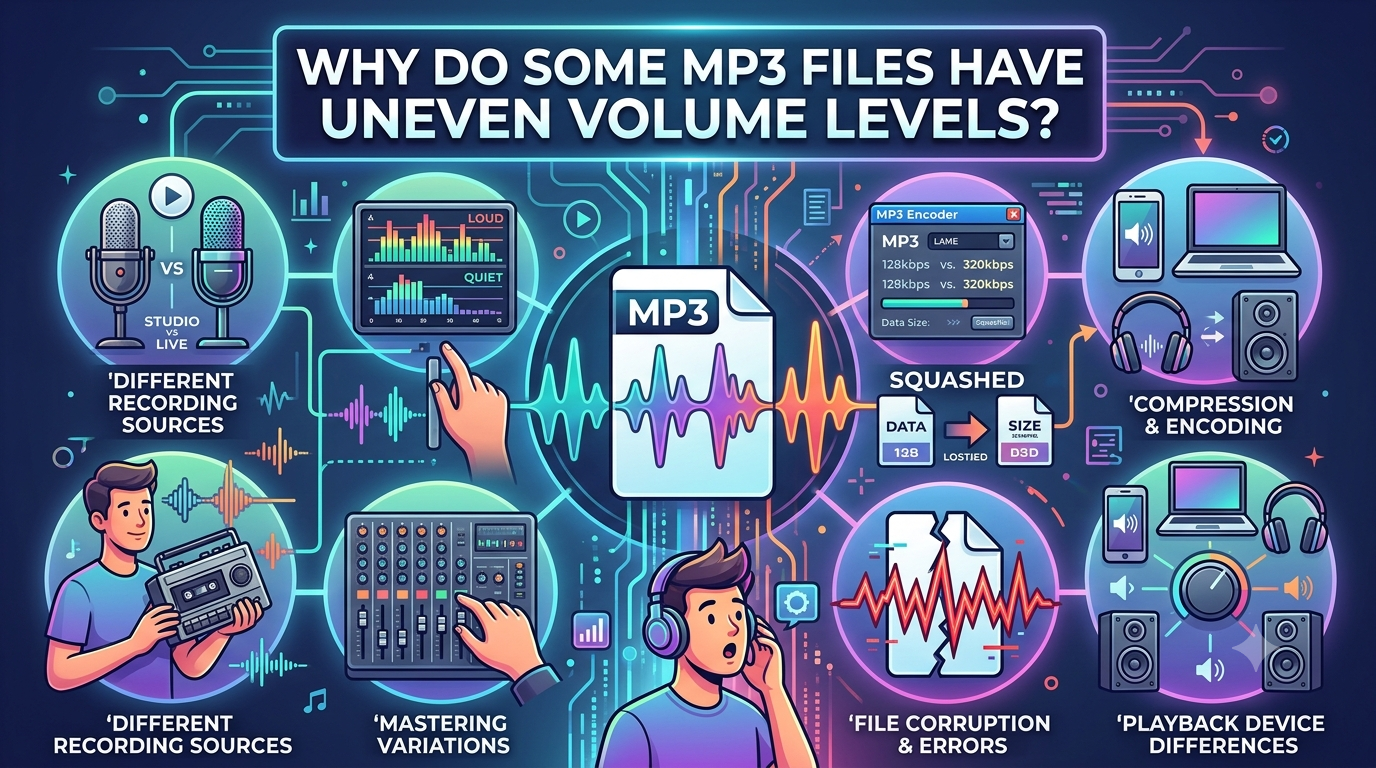
Have you ever played a playlist and noticed that one song sounds much louder than the next? This can be annoying, especially when listening through headphones or speakers. You may need to lower the volume for one track and increase it again for another. This difference often comes from how audio recordings are produced, edited, and compressed.
When people convert YouTube to MP3, they may notice that the saved tracks do not always have the same volume level. Even when files use the same audio format, their loudness can differ because of the original recording, editing choices, or conversion settings. Understanding these reasons can help you manage your music collection and enjoy a more balanced listening experience.
What Causes Uneven Volume Levels in MP3 Files?
Several factors can make one MP3 file sound louder or quieter than another. The most common reasons relate to recording quality, audio processing, and how music is mastered.
1. Different Recording Levels
Songs are often recorded in different studios with different equipment and settings. Some recordings have stronger audio signals, while others are naturally quieter.
For example, an older recording may have a lower overall volume than a recently produced song. This does not always mean the older track has poor quality. It may simply have been recorded or edited differently.
2. Different Audio Mastering
Mastering is the final stage of preparing music for listening. During this process, sound engineers adjust loudness, balance, and other audio details.
Some songs are mastered to sound louder and more powerful. Others keep a wider range between quiet and loud parts. As a result, two MP3 files can have different perceived volume levels even when their technical settings are similar.
3. Compression Differences
Audio compression reduces the size of an MP3 file by removing some sound information. Different encoding settings can affect the final sound.
However, bitrate and volume are not the same thing. A 320 kbps file is not automatically louder than a 128 kbps file. Loudness mainly depends on the original audio level and the processing applied to it.
How Can an Online Converter Affect Volume?
When using an online audio conversion service, the final file may depend on the source and the processing method. For example, someone using a Flvto converter may receive audio that reflects the loudness of the source recording.
A conversion process does not necessarily make every song equally loud. If one source recording is quieter than another, the converted MP3 files may keep that difference.
This is why it is useful to check the original audio before assuming that the converter caused a volume problem.
What Is the Difference Between Volume and Loudness?
Volume is the level you control on your phone, computer, or speaker. Loudness describes how strong a sound seems to the listener.
Two songs can have similar peak audio levels but still sound different in loudness. This can happen because of differences in their overall sound energy and dynamic range.
A track with many consistently loud sections may seem louder than a song with quiet verses and powerful choruses.
How Can You Balance Volume Across MP3 Files?
If your music collection contains tracks with uneven volume, a few simple methods can help.
- Use volume normalization: Some music players have a feature that adjusts playback levels across songs.
- Check audio settings: Make sure equalizer settings are not creating unwanted volume differences.
- Use a trusted audio editor: You can adjust the loudness of individual tracks when necessary.
- Compare similar recordings: Check whether a quieter file comes from a different version or source.
- Keep original copies: Save backups before changing audio levels.
Volume normalization is often the easiest option because it can balance playback without permanently changing every audio file.
Why Does Consistent Volume Improve Listening?
Balanced volume makes playlists more comfortable to enjoy. You do not need to keep adjusting your device whenever a new song starts.
It is especially useful when listening during travel, exercise, study, or other activities. Consistent playback also helps avoid sudden loud changes that may be uncomfortable when using headphones.
However, avoid increasing volume too much. Listening at a reasonable level helps protect your hearing.
Conclusion
Uneven volume levels in MP3 files can result from different recording levels, mastering methods, compression settings, and original audio sources. Using an online converter does not automatically make every track equally loud. By checking your files, using volume normalization, and adjusting audio carefully when needed, you can create a more balanced music library. Understanding the difference between bitrate and loudness also helps you make better choices when managing digital audio.
 French
 English
 Arabic
 Spanish
 Portuguese
 Deutsch
 Turkish
 Dutch
 Italiano
 Russian
 Romaian
 Portuguese (Brazil)
 Greek